
Cybersecurity Tips for Mobile Users
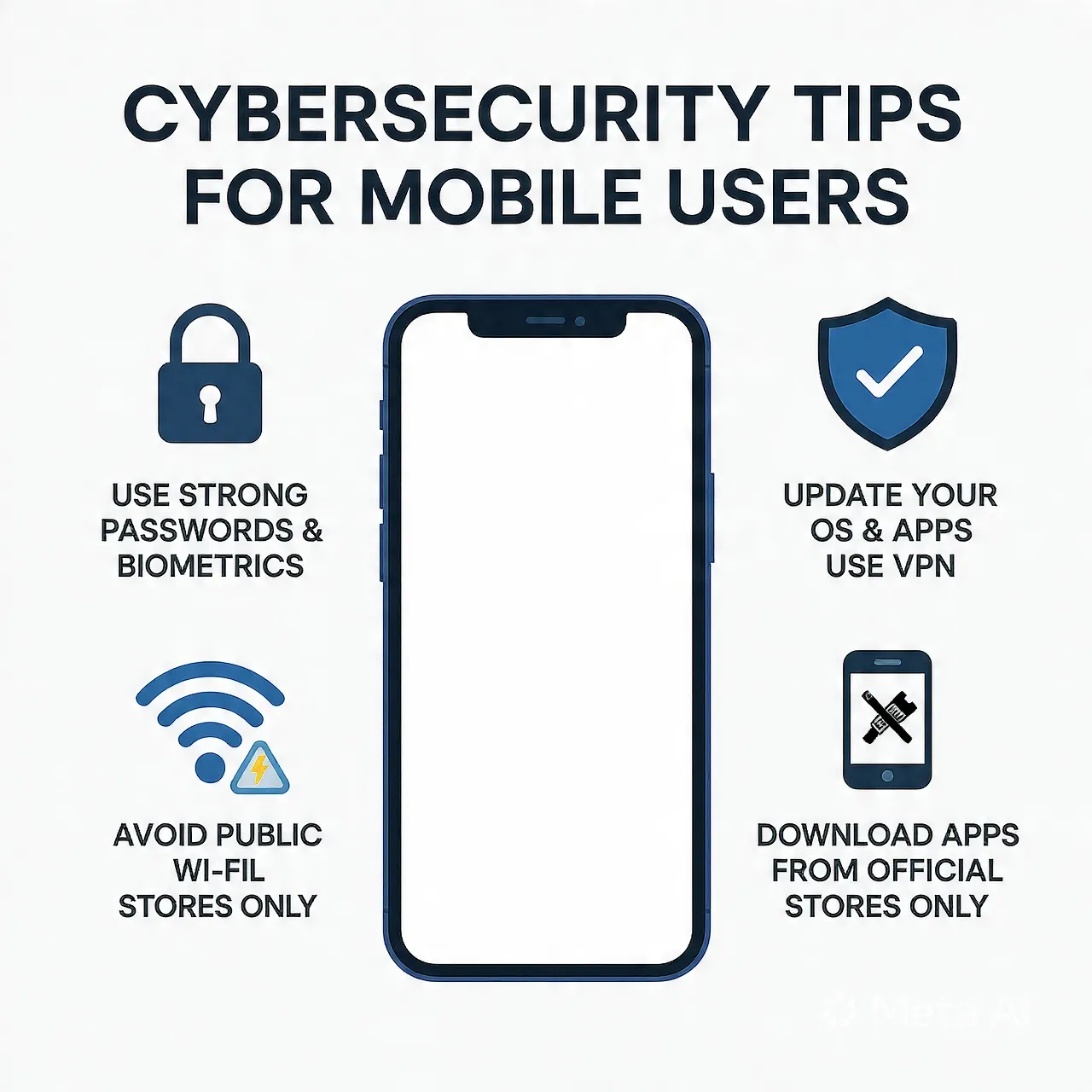
With the rapid growth of smartphones and digital services, mobile devices have become an essential part of everyday life. From banking and shopping to communication and work, everything is now handled through mobile apps. However, this convenience also brings serious security risks.
Cybercriminals are increasingly targeting mobile users through scams, malware, phishing attacks, and data breaches. In countries like India, where digital payments and apps such as WhatsApp, Google Pay, and Paytm are widely used, mobile cybersecurity has become more important than ever.
This guide covers practical and effective cybersecurity tips to help mobile users stay safe in 2026.
Why Mobile Security Matters
Mobile phones store highly sensitive data such as:
- Personal photos and contacts
- Bank account details
- OTPs and passwords
- Emails and business information
A single security breach can lead to:
- Financial loss
- Identity theft
- Unauthorized access to accounts
Common Mobile Security Threats
1. Phishing Attacks
Fraudsters send fake messages or links pretending to be banks, apps, or companies.
Example:
- “Your bank account will be blocked. Click here to verify.”
2. Fake Apps and Malware
Malicious apps can steal data or track your activity.
3. Public Wi-Fi Risks
Unsecured Wi-Fi networks can expose your data to hackers.
4. SIM Swap Fraud
Attackers transfer your mobile number to another SIM and gain access to OTPs.
5. UPI and Payment Scams
Scammers trick users into approving payment requests instead of receiving money.
Essential Cybersecurity Tips for Mobile Users
1. Use Strong Passwords and Biometrics
Always:
- Use complex passwords (mix of letters, numbers, symbols)
- Enable fingerprint or face lock
Avoid using:
- Birthdate
- “123456” or simple patterns
2. Enable Two-Factor Authentication (2FA)
2FA adds an extra layer of security. Even if your password is compromised, attackers cannot access your account without verification.
Most apps like Gmail and Facebook support 2FA.
3. Download Apps Only from Trusted Sources
Always install apps from:
- Google Play Store
- Apple App Store
Avoid:
- APK files from unknown websites
Before installing:
- Check ratings and reviews
- Verify developer details
4. Keep Your Phone and Apps Updated
Updates often include security patches.
Enable:
- Automatic system updates
- App updates
Outdated software is one of the biggest security risks.
5. Avoid Clicking Suspicious Links
Do not click on links received via:
- SMS
- Emails
- Messaging apps
Even messages on WhatsApp can be fake.
Always verify the source before clicking.
6. Secure Your Internet Connection
Avoid using public Wi-Fi for:
- Banking
- Online payments
If necessary:
- Use a VPN
- Avoid entering sensitive information
7. Protect Your UPI and Banking Apps
Apps like PhonePe, Google Pay, and Paytm require extra caution.
Important rules:
- Never share OTP
- Never approve unknown payment requests
- Remember: You do not need to enter a PIN to receive money
8. Lock Your SIM Card
Set a SIM PIN to prevent misuse in case your phone is stolen.
Contact your mobile operator to enable SIM protection.
9. Regularly Check App Permissions
Many apps request unnecessary permissions.
Review:
- Camera access
- Microphone access
- Location tracking
Disable anything not required.
10. Backup Your Data
Always keep a backup of important data:
- Contacts
- Photos
- Documents
Use cloud services like Google Drive for secure backup.
Advanced Security Practices
Use Antivirus Software
Install trusted mobile security apps to detect malware and threats.
Enable Find My Device
Both Android and iOS offer tracking features:
- Locate lost phone
- Lock or erase data remotely
Encrypt Your Device
Most modern smartphones support encryption, which protects your data even if the device is stolen.
Signs Your Phone May Be Hacked
Watch out for:
- Unusual battery drain
- Unknown apps installed
- Pop-up ads
- Slow performance
- Unauthorized transactions
If you notice these signs:
- Disconnect from the internet
- Uninstall suspicious apps
- Reset your device if needed
What to Do If You Are Scammed
- Immediately contact your bank
- Block your UPI and card services
- Report the incident to cybercrime authorities
- Change all passwords
In India, you can report cyber fraud on the official portal:
Best Practices for Students and General Users
- Do not share personal information online
- Avoid using the same password everywhere
- Log out from shared devices
- Be cautious of online offers that seem too good to be true
Future of Mobile Cybersecurity
With advancements in AI and digital services:
- Cyber threats will become more sophisticated
- Biometric security will improve
- AI-based fraud detection will increase
Users must stay aware and updated to remain protected.
Conclusion
Mobile cybersecurity is no longer optional—it is a necessity. As our dependence on smartphones increases, so does the risk of cyber threats. By following simple but effective practices such as using strong passwords, avoiding suspicious links, and securing payment apps, you can significantly reduce your risk.